
Attention, Early Adopters: Microsoft Just Simplified the Windows Insider Program – Easier Switching, Fewer Channels, and Faster Feature Access
1 minggu ago
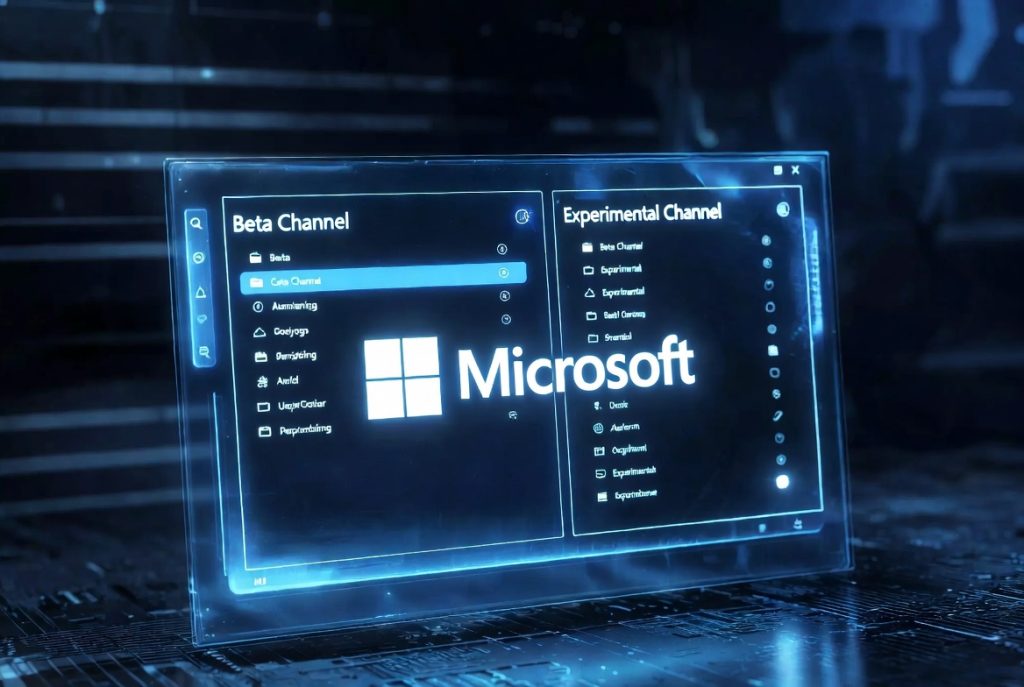
For years, the Windows Insider Program has been the primary way for enthusiasts, developers, and power users to get early access to upcoming Windows features, test new builds, and provide valuable feedback to Microsoft. However, the program has also been criticized for its complexity — multiple channels (Dev, Beta, Release Preview, Canary), the risk of instability, and the hassle of switching between channels or returning to a stable version, which often required a full clean install of Windows.
In April 2026, Microsoft announced a major overhaul aimed at making the Windows Insider Program simpler, more accessible, and less disruptive. The changes include reducing the number of primary channels from four to two (Beta and Experimental), enabling easier switching between Insider builds and stable Windows versions without reinstalling the entire OS, and introducing better visibility into new features through feature flags.
These updates represent a significant step in Microsoft’s ongoing effort to improve Windows as a desktop operating system while keeping the Insider Program relevant and user-friendly. No longer will users have to choose between staying on the bleeding edge and maintaining a stable, productive system — the process is becoming much smoother.
In this comprehensive 2026 guide, we break down exactly what’s changing in the Windows Insider Program, why Microsoft is making these changes, how the new Beta and Experimental channels work, what the “Future Platforms” option means, and what this means for current and potential Insiders.
Whether you’re a long-time Windows Insider who’s tired of complicated channel management or someone considering joining the program for the first time, this guide will help you understand the new structure and decide how (or if) to participate.
The Big Changes to the Windows Insider Program in 2026
Simplifying the Channel Structure Previously, the Windows Insider Program featured four main channels:
- Dev Channel (cutting-edge features, higher risk)
- Beta Channel (more stable preview builds)
- Release Preview Channel (final validation before public release)
- Canary Channel (the most experimental builds)
Starting in the coming weeks, Microsoft is consolidating this into just two primary channels:
- Beta Channel — Focused on imminent updates and features that are nearly ready for release. Microsoft is removing gradual feature rollouts, so you’ll get new tools as soon as they’re announced.
- Experimental Channel — Replaces the old Dev and Canary channels. This is for users who want access to features earlier than Beta, but with the clear understanding that the software is still in active development and may change, get delayed, or never ship.
Easier Switching Without Reinstalling Windows One of the most user-friendly changes is the ability to switch in and out of the Insider Program — or between channels — without needing to wipe your PC and perform a clean install of Windows. Previously, leaving the program or moving to a different version often meant starting over from scratch.
Microsoft acknowledges that updates may take a bit longer to install with this new approach, but your data, settings, and installed applications will be preserved. This significantly reduces the friction and risk that previously discouraged many users from participating in the Insider Program.
Feature Flags for Better Visibility A new page in Settings will highlight new features more clearly using feature flags. This means users will have better visibility into what’s new, even if some under-the-hood changes (bug fixes, system improvements) aren’t explicitly flagged.
Automatic Migration for Existing Insiders If you’re already in the Windows Insider Program, you’ll be moved to the most similar new channel:
- Beta Channel users → Beta Channel
- Dev or Canary Channel users → Experimental Channel
- Specific Canary builds (e.g., 29500 series) → Experimental (Future Platforms)
Understanding the New Beta and Experimental Channels
Beta Channel – For Imminent Updates
- Focused on features that are close to public release
- More stable than Experimental
- No gradual rollouts — new features arrive as soon as they’re ready
- Ideal for users who want early access without excessive risk
Experimental Channel – For Early Access and Innovation
- Replaces Dev and Canary
- Features arrive earlier than in Beta
- Acknowledges that software is still in active development and may change
- Best for users who enjoy testing cutting-edge features and providing feedback
Future Platforms Option Within the Experimental Channel, there’s now a “Future Platforms” toggle for users who want to be at the absolute forefront of platform development. This is aimed at advanced users and developers who are comfortable with potentially unstable builds.
What This Means for Users The new structure makes the Insider Program much more approachable. You no longer have to navigate a confusing array of channels with overlapping purposes. The clearer naming (Beta vs Experimental) and the ability to switch without reinstalling Windows remove major barriers that previously kept many users away.
Why Microsoft Is Simplifying the Windows Insider Program Now
Improving Windows as a Desktop OS Microsoft has been on a mission to make Windows more reliable, user-friendly, and competitive with macOS and ChromeOS. Simplifying the Insider Program is part of that broader effort to reduce friction and improve the overall experience for both everyday users and enthusiasts.
Reducing User Frustration The old multi-channel system often led to confusion, broken installations, and lost data when switching. The new approach prioritizes preserving user data and settings, making participation less risky and more appealing.
Encouraging More Feedback By making the program easier to join, leave, and switch within, Microsoft hopes to attract a wider range of testers and gather more diverse, high-quality feedback to improve Windows faster.
Aligning with Modern Development Practices Feature flags and more transparent rollout strategies reflect how modern software companies develop and release features. This change brings the Insider Program more in line with industry best practices.
Practical Implications for Current and New Insiders
For Existing Windows Insiders
- You’ll be automatically migrated to the most appropriate new channel
- Switching between Beta and Experimental (or back to stable) will become much easier
- Expect slightly longer update times but far less disruption
For New Users Considering the Program
- Lower barrier to entry — no fear of being “stuck” on unstable builds
- Clearer options: Beta for safer previews, Experimental for cutting-edge testing
- Easier to try the program, provide feedback, and return to stable Windows when needed
Potential Drawbacks
- Updates may take longer to install due to the new migration process
- Some very early or experimental features may still require the Future Platforms option
- The program is still intended for users comfortable with occasional instability
What to Expect in the Coming Weeks and Beyond
Rollout Timeline Microsoft says the changes will begin rolling out “in the coming weeks.” Existing Insiders will be moved automatically based on their current channel.
Longer-Term Vision These updates are part of Microsoft’s ongoing effort to make Windows more reliable and user-friendly while still maintaining a vibrant testing community. We can expect further refinements to the Insider Program as Microsoft gathers feedback on the new structure.
Tips for Getting the Most Out of the Updated Program
- Start with the Beta Channel if you want stability with early features
- Use Experimental only if you’re comfortable with more riska
- Back up important data before joining or switching channels
- Provide thoughtful feedback to help Microsoft improve Windows
Microsoft’s 2026 overhaul of the Windows Insider Program is a welcome simplification that removes many of the previous pain points. By reducing the number of channels to just Beta and Experimental, enabling easier switching without full reinstalls, and introducing better feature visibility, the company is making it much more practical for enthusiasts and developers to participate.
These changes should lead to higher participation rates, more diverse feedback, and ultimately a better Windows experience for everyone. For users who have avoided the Insider Program due to complexity or risk, now is a great time to give it another look.
As the updates begin rolling out in the coming weeks, the Windows Insider Program is poised to become more accessible, user-friendly, and valuable than ever before.
FAQ – Windows Insider Program 2026 Update
1. What is the Windows Insider Program?
The Windows Insider Program is a Microsoft initiative that allows users to access upcoming Windows features before their official release and provide feedback to help improve the operating system.
2. What is the biggest change in the 2026 Windows Insider Program?
Microsoft has simplified the program by reducing four channels (Dev, Beta, Release Preview, Canary) into just two main channels:
- Beta Channel
- Experimental Channel
3. What is the difference between Beta and Experimental Channels?
- Beta Channel: More stable, features are close to final release.
- Experimental Channel: Early-stage features, less stable, intended for advanced testing.
4. Are the Dev and Canary Channels still available?
No. Both Dev and Canary channels have been merged into the Experimental Channel.
5. Do I still need to reinstall Windows when switching channels?
No. With the 2026 update, users can switch between channels or leave the Insider Program without reinstalling Windows.
6. What is the “Future Platforms” option?
It is an advanced setting inside the Experimental Channel for users who want access to the earliest and most unstable Windows development builds.
7. Is my data safe when switching channels?
Yes. Microsoft confirms that your files, apps, and settings will be preserved when switching channels.
8. Who should join the Windows Insider Program?
- Developers
- IT professionals
- Tech enthusiasts
- Power users who want early access to features
9. Is the Insider Program suitable for daily use?
The Beta Channel is generally safe for daily use, while the Experimental Channel is not recommended for primary devices.
10. Why did Microsoft change the Insider Program in 2026?
To:
- Simplify the user experience
- Reduce confusion between channels
- Minimize reinstall requirements
- Improve feedback quality from users
11. What are the main benefits of the 2026 update?
- Easier to understand
- More flexible switching
- No need for clean installs
- More beginner-friendly structure
12. Will existing Insider users be migrated automatically?
Yes. Existing users will be automatically moved to the most appropriate new channel (Beta or Experimental).
Tinggalkan Balasan